Pre-made commands
Import the sharphound script to memory
Import-Module .\Sharphound.ps1Collect ALL data possible by sharphound. this data will be analyzed by bloodhound.
Invoke-BloodHound -CollectionMethod All -OutputDirectory C:\Users\stephanie\Desktop\ -OutputPrefix "corp audit"Transfer the data to kali machine, and run the following command to start the bloodhound server
sudo neo4j start && bloodhoundOpen http://localhost:7474 and connect with neo4j - default u/n and pass are both neo4j
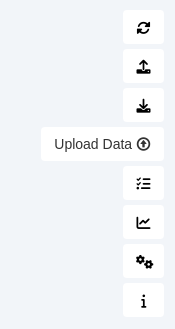
In the bloodhound app, on the right hand side, upload the .zip you transferred from the windows machine
Open the hamburger in the top left and use the analysis tab to generate reports
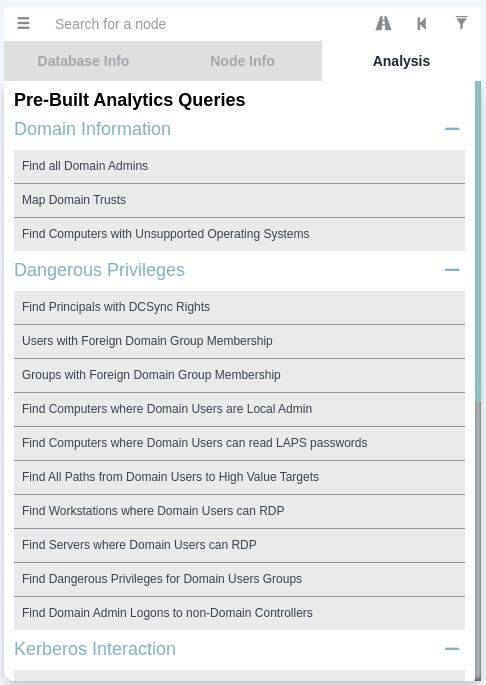
Shortest paths is powerful, for example shortest path to domain admins
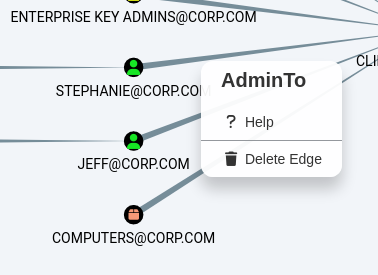
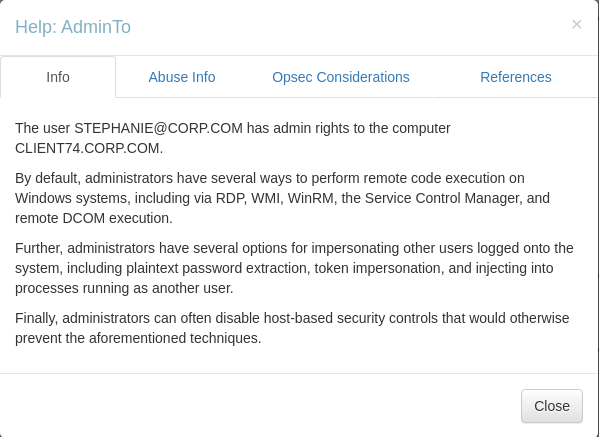
Right click the edge lines and click ? help for more info
Right click a user that you have control of and select “Mark user as owned”. Owned users will show with a skull next to their icon. You can now select the analysis “Shortest path to Domain Admins from owned users”
Useful Queries
Display all active sessions in the domain
MATCH p = (c:Computer)-[:HasSession]->(m:User) RETURN p